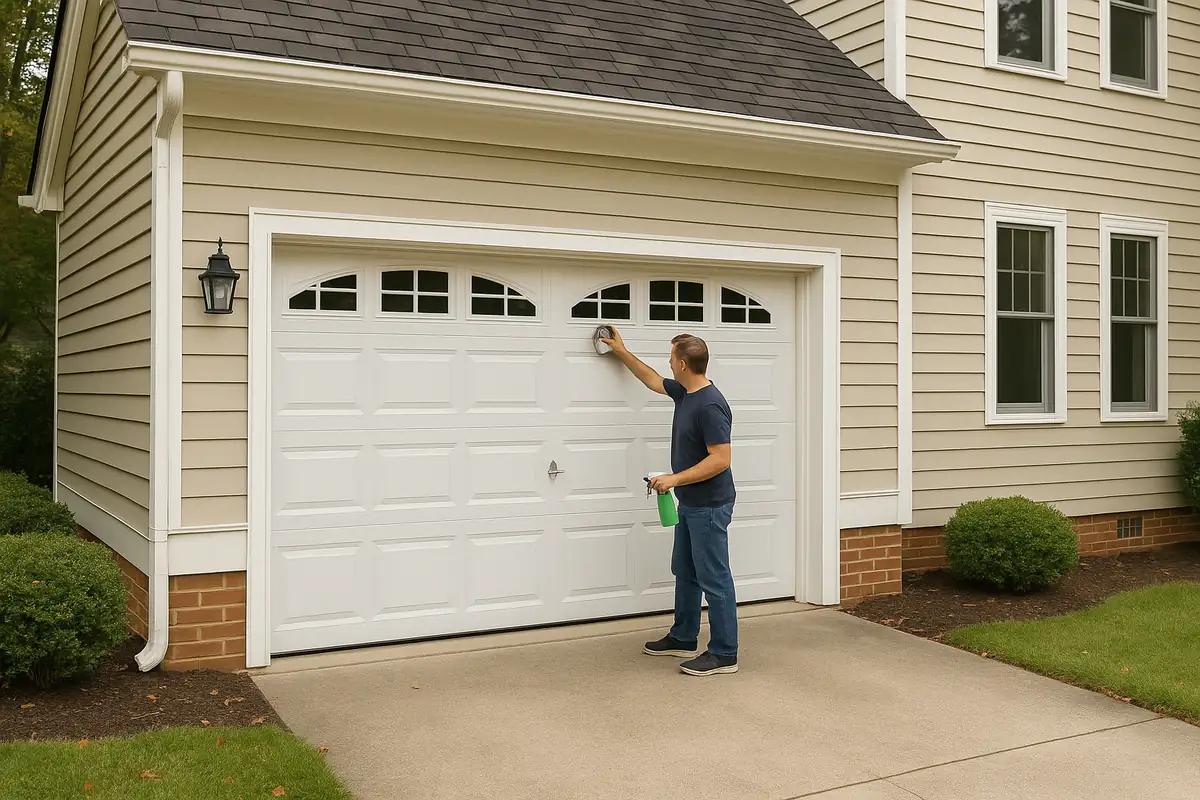

How to Program Your Garage Door Remote
Garage door remotes provide convenience and security, making it easy to enter your home without stepping out of your vehicle. However, programming your garage door remote can sometimes feel like a daunting task. Don’t let the complexity deter you—our step-by-step guide from 5 Stars Garage Door Repair in Redwood City, CA, will help you get back on track with ease. In this article, we’ll explore how to program your garage door remote, troubleshoot common issues, and highlight important safety tips.
Understanding Your Garage Door Remote
Before diving into the programming process, it's essential to understand the components of your garage door system. Here’s what you need to know:
- Types of Garage Door Remotes: There are various types of remotes, including single-button, multi-button, and smart remotes.
- Frequency: Most remotes operate on either 315 MHz or 390 MHz, which is crucial for compatibility.
- Manufacturer Guidelines: Each garage door opener model has specific programming instructions, so check the user manual.
Common Garage Door Remote Features
Your garage door remote may include the following features:
- Keypad Access: Allows you to enter a code to open the door.
- Smart Features: Connects to your smartphone or home automation system.
- Multiple Channel Controls: Lets you operate different garage doors from the same remote.
Preparing to Program Your Garage Door Remote
Before you begin programming, gather the necessary tools and information:
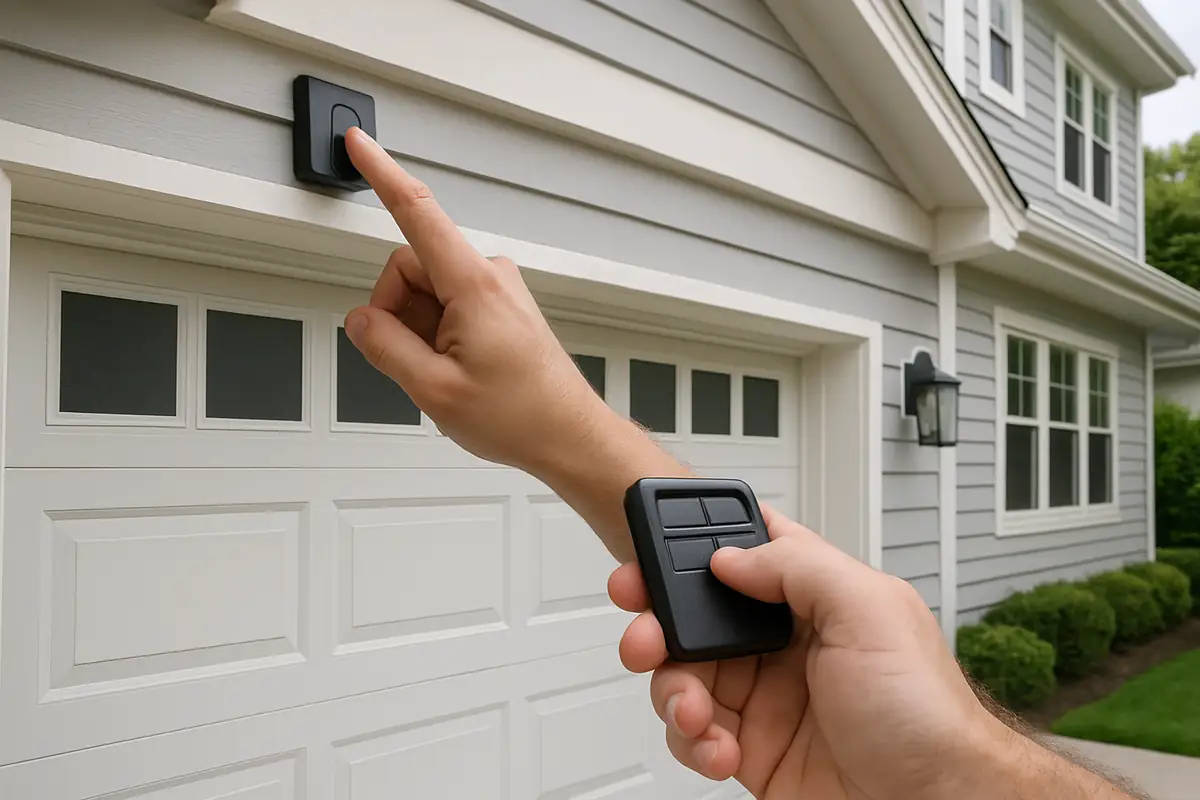
- Locate the Remote: Ensure your remote is within arm's reach of the garage door opener.
- Power Up: Make sure your garage door opener is plugged in and powered on.
- Check Batteries: Replace batteries in your remote if it’s not functioning.
Step-by-Step Guide to Programming Your Garage Door Remote
Follow these steps to successfully program your garage door remote:
Step 1: Find the Learn Button
Locate the Learn button on your garage door opener. This button is often found on the back or side of the motor unit. It might be labeled as 'Learn,' 'Program,' or something similar.
Step 2: Press the Learn Button
Press the Learn button once. You should see a small LED light turn on, indicating that the system is ready to accept a new remote. The light will typically stay on for about 30 seconds.
Step 3: Program the Remote
Within the 30-second window, press and hold the button on your remote that you want to program. Release the button when the garage door opener lights flash, indicating successful programming.
Step 4: Test the Remote
Press the button you just programmed to check if the garage door opens or closes. If it does, congratulations—you’ve successfully programmed your remote!
Troubleshooting Common Issues
If your remote isn’t working after programming, consider these troubleshooting tips:
- Check Battery: Ensure the remote battery is fresh and installed correctly.
- Reset the Programming: If all else fails, try resetting the garage door opener and start the programming process again.
- Interference: Ensure there are no electronic devices nearby that could interfere with the signal.
Safety Tips for Programming Your Garage Door Remote
Safety should always come first when dealing with garage doors. Here are some important tips:
- Always stand clear of the garage door while programming the remote.
- Test the door after programming to ensure it operates smoothly.
- Regularly check the garage door system to prevent malfunctions.
Statistics on Garage Door Security
Did you know that garage doors are among the most common entry points for intruders? According to the International Door Association, approximately 70% of American homes have a garage, and a significant percentage of them may not have secure remote systems. Properly programming your garage door remote is essential not only for convenience but also for maintaining your home’s security.
Conclusion
Programming your garage door remote doesn’t have to be a hassle. With this step-by-step guide from 5 Stars Garage Door Repair, you can easily reconnect with your garage door system in Redwood City, CA. By following the outlined steps, troubleshooting potential issues, and implementing safety precautions, you’ll ensure your garage door operates smoothly and securely.
If you encounter any difficulties or prefer professional assistance, don’t hesitate to reach out to 5 Stars Garage Door Repair. Our experienced team is here to help you with all your garage door needs!
Explore More Resources
Related Articles
Service Areas
We proudly serve Redwood City, Redwood Junction, North Fair Oaks, San Carlos, Lindenwood and more areas.
Our Services
Professional garage door repair, spring repair, opener installation and more. View all services →

Garage Door Installation in Redwood City: What to Expect
Weather-Proofing Your Garage Door: Essential Tips from 5 Stars Garage Door Repair in Redwood City, CA