
How to Program Your Garage Door Remote
Garage door remotes are essential for your convenience and security. If you live in Redwood City, CA, and have just purchased a new remote or need to reprogram your existing one, you're in the right place! This guide by 5 Stars Garage Door Repair will provide detailed instructions on how to program your garage door remote efficiently.
Understanding Your Garage Door Remote
Before diving into the programming process, it's important to understand how your garage door remote works. Most remotes use either:
- Rolling Code Technology: This changes the access code each time you use the remote.
- Fixed Code Technology: This maintains the same code until you change it.
Knowing which type you have can be crucial for troubleshooting any issues during programming.
Preparing for Programming
To successfully program your garage door remote, follow these preparatory steps:
- Locate your garage door opener unit, usually mounted on the ceiling of your garage.
- Identify the 'Learn' or 'Program' button on the garage door opener.
- Have a ladder handy if necessary to reach the opener button.
- Ensure you have a working remote and replace the batteries if needed.
Common Garage Door Remote Brands
Different brands may have slightly different programming methods. Here are some common ones:
- Chamberlain
- LiftMaster
- Genie
- Wayne Dalton
Step-by-Step Programming Guide
Now that you're prepared, let’s dive into the programming steps:
Step 1: Clear Old Codes
If you are programming a new remote or if you notice malfunctioning with existing remotes, it's a good idea to clear the old codes.
- Locate and press the 'Learn' button on your garage door opener until the LED light turns on.
- Press and hold the 'Learn' button again until the light turns off.
This action clears any previously programmed remotes.
Step 2: Setting Up the New Remote
Once old codes are cleared, it’s time to program your new remote:
- Press and release the 'Learn' button. The LED light will turn on.
- Within 30 seconds, press the button on your remote that you want to program.
- The LED light on the garage door opener will flash, indicating successful programming.
Step 3: Testing the Remote
After programming, test the remote:
- Walk to the garage door and press the programmed button.
- Observe whether the door opens or closes in response.
Repeat the process if the door does not respond.
Troubleshooting Common Issues
If your garage door remote isn't working as expected, consider these common issues:
- Dead Batteries: Replace the batteries in your remote.
- Distance: Ensure you're within range of the garage door opener.
- Interference: Check for devices causing interference, such as Wi-Fi routers or electronics.
- Improper Programming: Double-check the programming steps to make sure all steps were followed accurately.
When to Call a Professional
If you’ve exhausted all troubleshooting options and still can’t get your garage door remote to work, it may be time to contact a professional. Here are signs that you should consider calling 5 Stars Garage Door Repair in Redwood City, CA:
- The garage door opener is making unusual noises.
- The remote does not respond under any circumstances.
- You notice physical damage to the opener or remote.
Statistics on Garage Doors
Did you know that according to the International Door Association, over 70% of American homes have a garage door? Proper maintenance and knowledge of programming remotes can enhance both security and convenience for homeowners.
Conclusion
Programming your garage door remote doesn't have to be a daunting task. By following the steps and tips provided in this guide, you can efficiently set up your remote and enjoy easy access to your garage. If you encounter persistent issues, don't hesitate to reach out to 5 Stars Garage Door Repair in Redwood City, CA, for expert assistance. Your garage's functionality and security are our top priority!
Explore More Resources
Related Articles
Service Areas
We proudly serve Redwood City, Redwood Junction, North Fair Oaks, San Carlos, Lindenwood and more areas.
Our Services
Professional garage door repair, spring repair, opener installation and more. View all services →
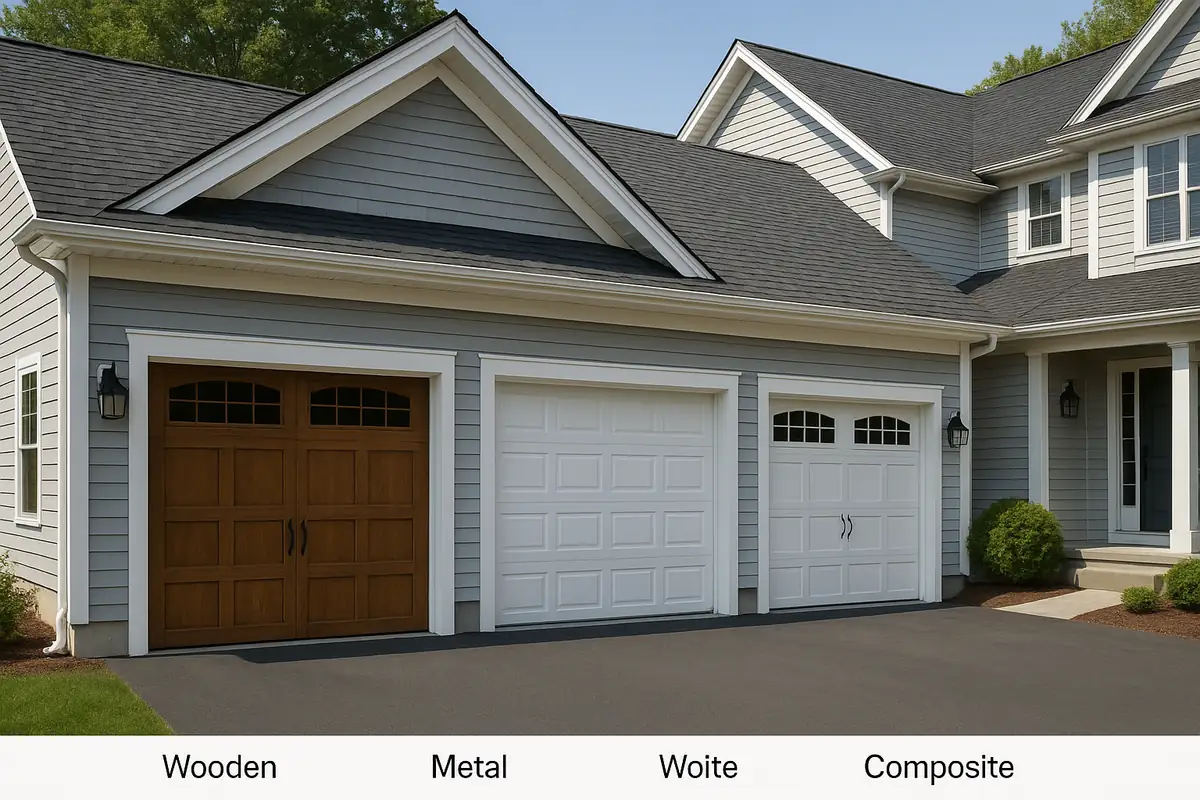
Understanding Different Garage Door Materials: A Guide by 5 Stars Garage Door Repair
How to Reduce Garage Door Noise: Expert Tips from 5 Stars Garage Door Repair in Redwood City, CA